


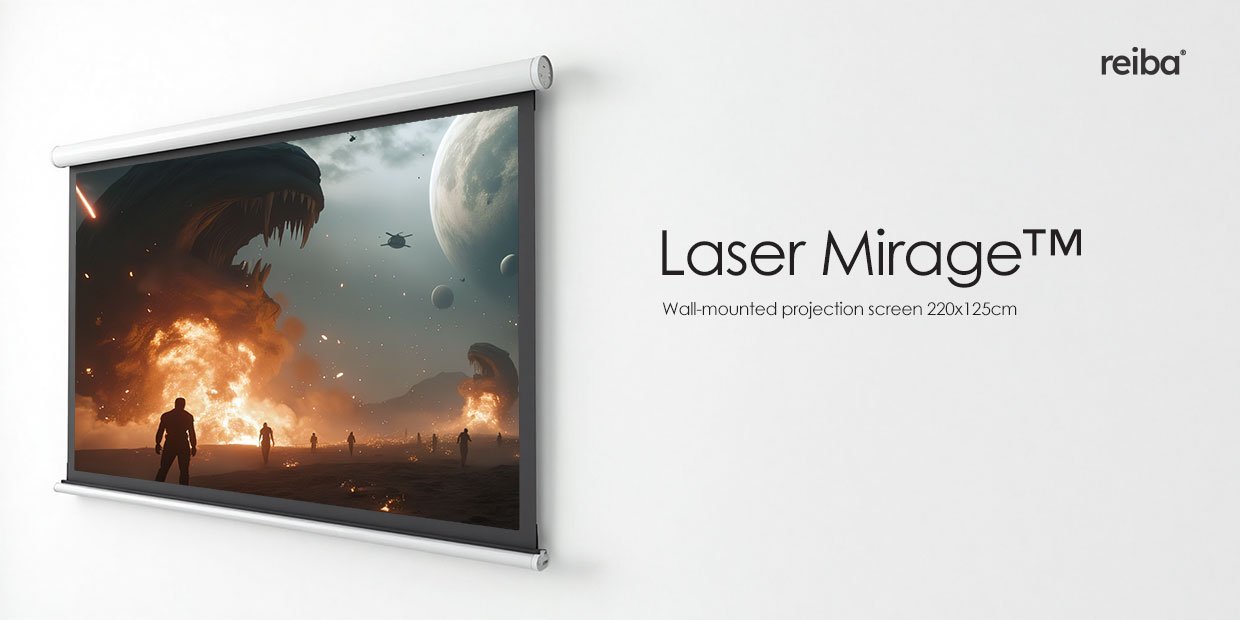

Screen Dimensions and Aspect Ratios
The projection screen measures 200 × 150 cm, which corresponds to a diagonal of 100 inches (approx. 250 cm) in its native format. The 4:3 aspect ratio means that when fully deployed, the entire screen surface is utilized, ensuring optimal representation of content in this proportion.
The screen also supports displaying images in other formats, such as 16:9 or 2.39:1 (CinemaScope), by partially retracting it. In such cases, the unused portion remains hidden, allowing the screen to adapt to various video materials—from classic academic films (4:3) to wide cinematic productions (2.39:1).
Projection Material – Reflon™ by reiba®
The screen surface is made of Reflon™ fabric, a patented material based on PET polyester fibers, specially designed for cinematic and studio applications. It features a reflection coefficient of gain 0.8+, meaning light is evenly distributed, minimizing hotspot effects (localized bright spots) and ensuring a wide viewing angle of up to 165°.
Reflon™ stands out due to:
- Matte surface – reduces unwanted reflections and delivers natural color reproduction.
- Dimensional stability – resistant to warping, even with prolonged use.
- Compatibility with 2D and 3D technologies – works seamlessly with DLP, LCoS, and laser projection systems.

Key feature: Reflon™’s tight weave enables 4K content reproduction without the moiré effect.


